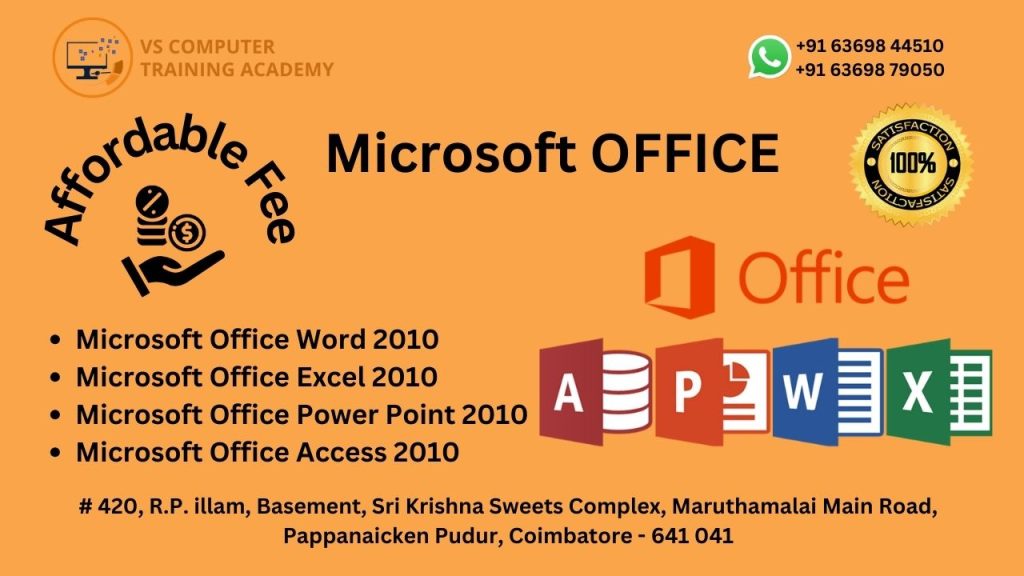
Microsoft Office
Master Essential Computer Skills with Microsoft Office Training
The Microsoft Office course at VS Computer Training Academy is designed for students, job seekers, professionals, and business owners who want to build strong computer skills for everyday office work. This course provides a complete understanding of Microsoft Office applications and helps learners efficiently handle documentation, data management, presentations, and communication tasks.
Through this program, students will learn how to use popular Microsoft Office tools such as MS Word, MS Excel, MS PowerPoint, and MS Outlook to create professional documents, manage spreadsheets, prepare presentations, and organize office communication. The course focuses on practical learning and real-world applications, enabling students to confidently perform common office tasks required in modern workplaces.
Whether you want to improve your computer knowledge, secure an office job, or manage your own business documentation, this course provides the essential skills needed to work effectively in any professional environment.
Why Choose This Course?
Beginner-Friendly Training: No prior computer knowledge required
Practical Learning: Hands-on training with real-time office tasks
Expert Trainers: Learn from experienced computer instructors
Industry-Relevant Skills: Master essential Microsoft Office applications
Career Support: Guidance for office jobs and administrative roles
Ideal for
Beginners who want to learn computer basics
Students and fresh graduates
Job seekers looking for office-based roles
Office staff who want to improve productivity
Business owners and entrepreneurs managing their own documentation
Career Opportunities
After completing this course, you can explore roles such as:
Office Assistant
Data Entry Operator
Administrative Executive
Computer Operator
Back Office Executive
Office Coordinator
Mastering Microsoft Office opens doors to opportunities in corporate offices, educational institutions, government departments, private companies, and small businesses. Start your professional journey with VS Computer Training Academy and gain the practical computer skills required to succeed in today’s workplace.