Computer Hardware and Assembling
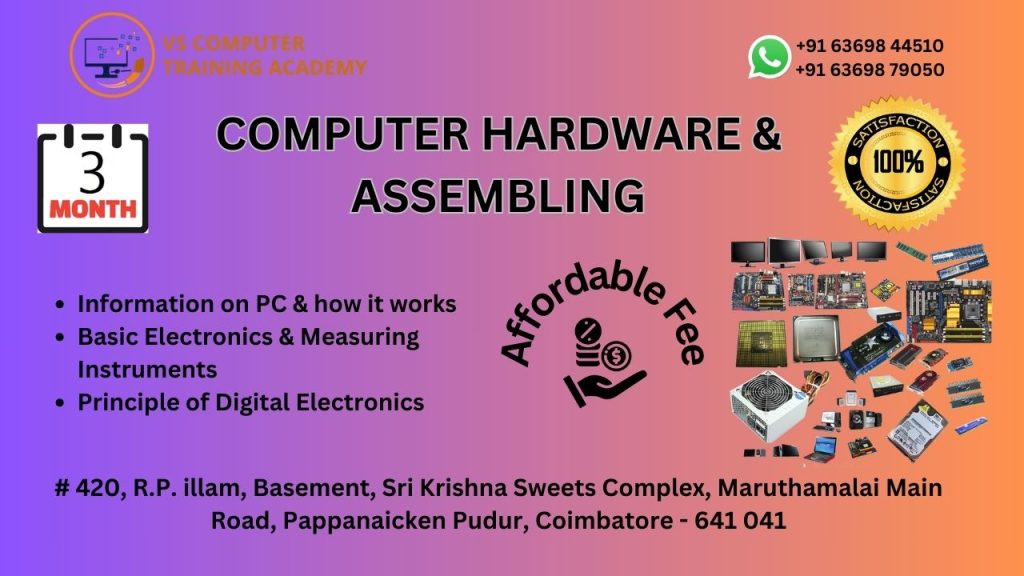
Computer Hardware & Assembling Course
The Computer Hardware & Assembling Course at VS Computer Training Academy is designed for students, job seekers, and technical enthusiasts who want to understand how computers work internally and gain hands-on skills in assembling, troubleshooting, and maintaining computer systems.
This course provides in-depth knowledge of computer hardware components along with practical training, enabling learners to diagnose issues, repair systems, and build computers from scratch. It is ideal for those who want to start a career in hardware, IT support, or system maintenance.
Course Overview
This program focuses on both theoretical concepts and practical experience in computer hardware. Students will learn how to identify components, assemble systems, install operating systems, and troubleshoot hardware/software issues.
What You Will Learn
- Fundamentals of Computer Hardware
- Identification of Internal & External Components
- Computer Assembling (Step-by-Step)
- Operating System Installation (Windows)
- Basic Networking Concepts
- Troubleshooting Techniques
- System Maintenance & Upgrading
Course Duration
Duration: 30 to 45 Days (Based on batch)
Why Choose This Course?
- 100% Practical Training
- Hands-on Assembling Experience
- Real-time Troubleshooting Practice
- Industry-Relevant Skills
- Guidance from Experienced Trainers
Career Opportunities
After completing this course, you can work as:
- Computer Hardware Technician
- IT Support Technician
- Desktop Support Engineer
- Field Service Technician
- Freelance Computer Repair Specialist
Who Can Join?
- Students interested in hardware and technical fields
- Job seekers looking for IT support roles
- Beginners with basic computer knowledge
- Anyone interested in assembling and repairing computers
Get Skilled in Hardware & Start Your IT Career
Join VS Computer Training Academy and gain practical experience in computer hardware and assembling to build a strong technical career.
📞 Contact: +91 63698 44510 / +91 63698 79050
📍 Location: Coimbatore
Course Syllabus
Module
Basics of Computers
Types of Computers
Overview of Hardware & Software
Module 2: Computer Hardware Components
Motherboard (Parts & Functions)
CPU (Processor)
RAM & ROM
Hard Disk / SSD
SMPS (Power Supply)
Input & Output Devices
Module 3: Computer Assembling
Identifying Components
Step-by-step Assembling Process
Connecting Internal Components
Cable Management
BIOS Setup
Module 4: Operating System Installation
Installing Windows OS
Partitioning Hard Disk
Installing Drivers
Basic System Configuration
Module 5: Troubleshooting & Maintenance
Common Hardware Problems
System Not Booting Issues
Slow Performance Fixes
Virus & Basic Security
Preventive Maintenance
Module 6: Basic Networking
Introduction to Networking
Types of Networks
IP Address Basics
LAN Setup Basics
Internet Connection Setup
Module 7: Upgrading & Repairing
RAM Upgrade
Storage Upgrade (HDD to SSD)
Replacing Components
System Cleaning & Maintenance